Smart Listening, No Clutter.
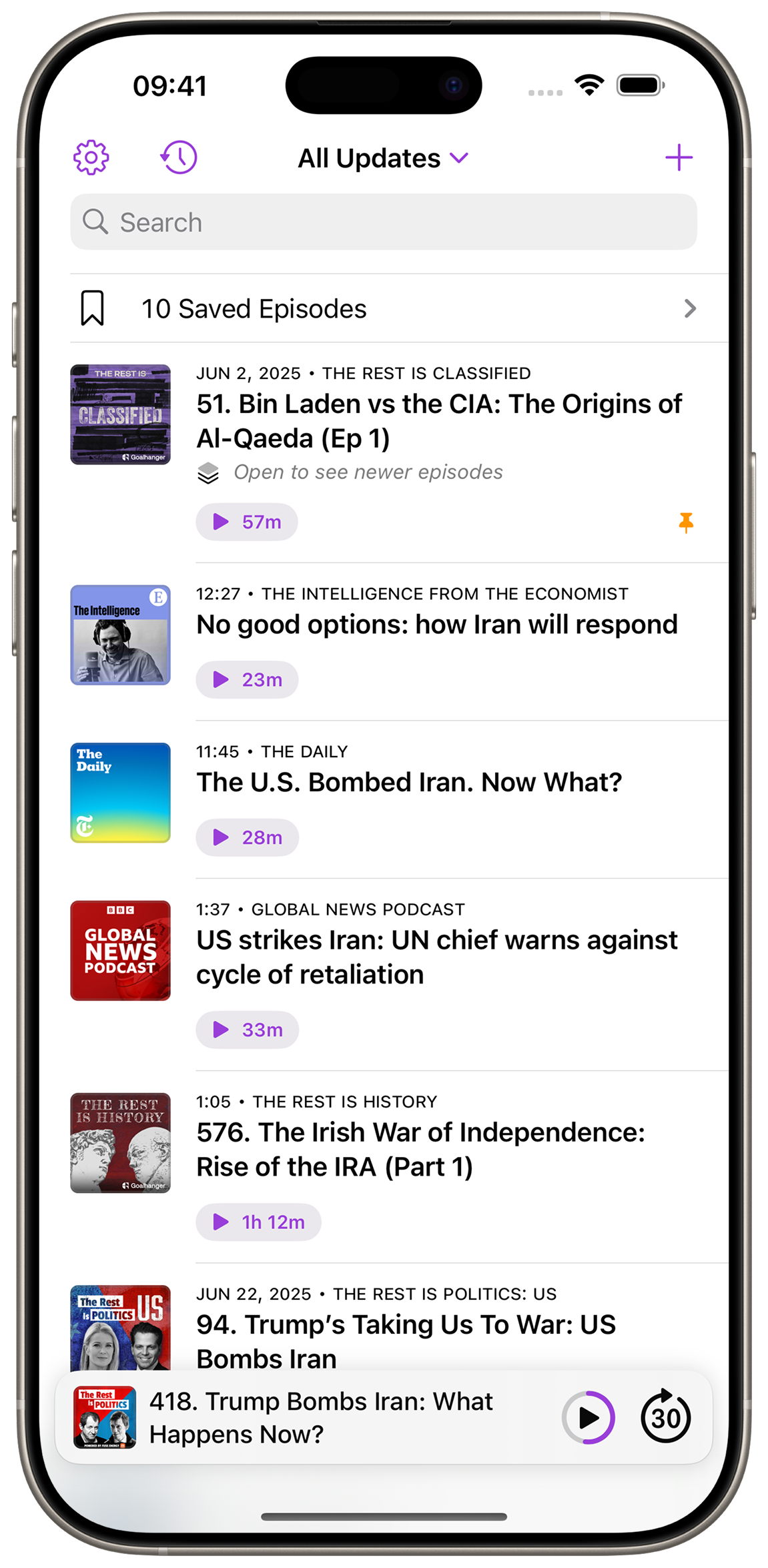
Updates shows you the next episode of every podcast you follow. No inbox, no backlog, no clutter. News shows start with their latest episode and series with the next one you haven’t heard. Prefer it the other way? Pick per podcast. And when you want to plan ahead, line up a few episodes in the queue.
★★★★★
Perfect
This is the best podcast player for me. I tried all the big ones and nothing comes close in convenience. The main screen showing next episode to play for each podcast is pure genius. The developer is very responsive, and the app is being actively worked on and improved.
Free Features
-
Next Episodes, Instantly — Home shows what to play next for every podcast: the latest episode for news, the next unplayed one for a series. Prefer it the other way? Pick per podcast.
-
Playback Queue — Line up your next few episodes and they’ll play in order.
-
Your Library — Save or download episodes, even if you don’t follow the podcast, and arrange them in the order you like.
-
Filters — Hide played episodes or show only today’s updates.
-
Pinned Podcasts — Keep favorites at the top.
-
Sleep Timer — Set it and drift off worry-free.
-
Listening History — Revisit played episodes.
-
Episode Chapters — Skip straight to the parts you care about.
-
CarPlay Support — Pick up where you left off, right from your dashboard.
-
Home Screen Widget — Your latest episodes at a glance.
Support Updates
Updates is an indie app, and Premium is what keeps it going. Go Premium with a subscription or a one-time purchase, and get a few extras as a thank-you:
-
Per-Podcast Speed — Let the news fly while music stays in tune.
-
Intro/Outro Skipping — Skip the fluff and dive right in.
-
Custom Skip Buttons — Choose your own jump durations.
-
Personalization — Choose your icon and accent color.